Coach a Fighter Update 1
First major update wave, the Update1! code bundle, and what Early Beta coaches should verify.
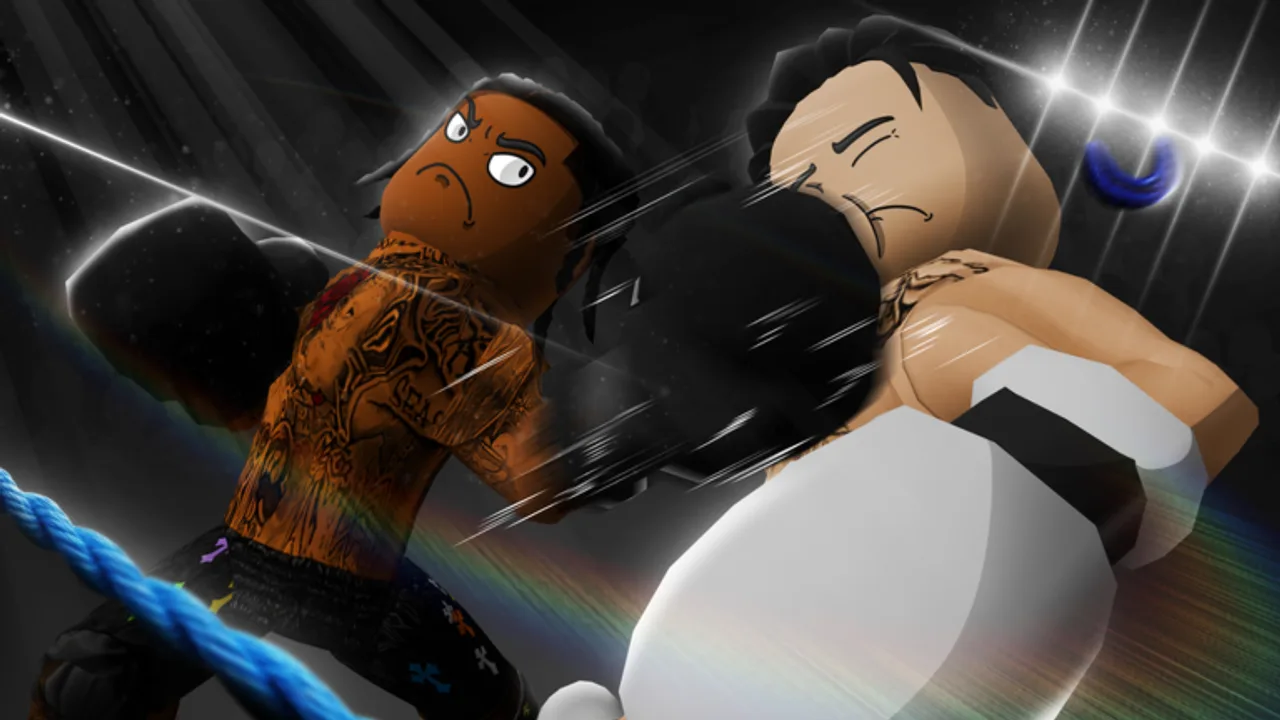
Update 1 is the first widely discussed patch window for Coach a Fighter on Roblox — the LockLoaded gym management experience at place 111517697993641. For many coaches, Update 1 is less about reading a formal changelog and more about recognizing what changed when the Update1! promo code appeared alongside balance tweaks, server restarts, and fresh Discord announcements. This page explains what Update 1 means in practice, why the code bundle matters, and what to re-check before you bet serious Cash again.
Bookmark the Updates hub for ongoing Early Beta status and the Codes hub for live redemption tables.
What Update 1 represents
Early Beta games rarely ship polished patch notes on day one. Update 1 usually signals:
- A stabilization pass after launch traffic (~2.4K concurrent, peaks near 4K in August 2026 trackers)
- Reward strings tied to the patch name — here, Update1!
- Possible adjustments to training costs, match pacing, or fighter feel
- Scheduled or emergency server restarts while LockLoaded hotfixes
Treat Update 1 as a mindset: verify systems, do not assume yesterday’s tier list still applies.
The Update1! code explained
Update1! is not just a label — it is a reward bundle players redeem in-game after the tutorial:
| Reward | Amount |
|---|---|
| Cash | 25,000 |
| Real Rerolls | 10 |
| Legend Rerolls | 5 |
It stacks with Release! (25,000 Cash, 10 Real Rerolls, 1 Legend Reroll). Combined, that is 50,000 Cash, 20 Real Rerolls, and 6 Legend Rerolls — enough to reshape an entire Early Beta roster if spent with discipline.
Redemption steps: How to redeem codes. Spending order: Cash and rerolls. As of August 5, 2026, both strings remain active with no expired list yet.
Why Update1! matters more than Release!
Release! celebrates launch access. Update1! celebrates the first maintenance cycle — and front-loads Legend Rerolls (five versus one). That tells coaches where LockLoaded wants the economy to go: chase Real and Legend identities inside the 250+ card pool, but only after training infrastructure exists.
If you redeemed Update1! before reading recruitment guides, pause before burning Legend currency. Read Real fighters and Legend fighters so pulls become mains, not inventory clutter.
Early Beta expectations during Update 1
The official Roblox description still warns that servers may shut down during updates and that progress and balancing may change. Update 1 is exactly when that warning becomes real:
- Hotfix reboots can interrupt training timers or match queues.
- Stat curves may shift — re-test your main fighter before league promotions.
- Code rewards could receive silent tweaks (amounts, not necessarily expiration).
- UI labels on gym stations may rename while underlying stats stay familiar.
After every restart, run a quick loop: launch, redeem, train one session, play one modest NPC match, then decide whether large bets make sense.
What to re-check after Update 1
Use this checklist the first night back online:
- Codes — confirm Update1! and Release! still redeem; watch Where codes drop for follow-up strings.
- Training costs — treadmill, bench press, pull-up bar, punching bag Cash sinks may shift.
- Match outcomes — compare your trained roster against similar NPC brackets; read How to win matches if results feel off.
- Gym upgrades — station prices and benefits on How to upgrade your gym.
- Reroll feel — community reports on Real versus Legend pull rates; cross-check Fighter rarities.
- Tier opinions — skim Best fighters with skepticism until you log five post-patch bouts.
- Scripts landscape — still empty on our Scripts hub; ignore post-update phishing links.
Suggested post-Update 1 routine
- Finish or confirm tutorial completion so Codes unlock.
- Redeem both active strings on the Codes hub.
- Open the Training planner for your current main.
- Spend Free Rerolls learning any new recruit UI animations.
- Hold most Legend Rerolls until ten sessions land on a Real or interim main.
- Enter one controlled match before high-stakes betting — How to bet for bankroll rules.
- Follow LockLoaded Discord and the Roblox group for the next code wave; pair with Group rewards so you catch shout-outs.
How Update 1 connects to the coach fantasy
Coach a Fighter sells management, not reflexes. Update 1 rewards players who read patch context before rerolling — the same coaches who already like, favorite, and join the official group for future fighters and gifts. Spectator matches still resolve from Power, Dexterity, Endurance, Stamina, and Agility; Update 1 does not change that loop, but it can change how expensive or fast the loop feels.
Communication hygiene
Mute rumor screenshots without timestamps. Prefer LockLoaded announcements, the experience page description, and this wiki after verification. Outdated Discord pins have wasted more Legend Rerolls than bad NPC picks.
Related pages
- Updates hub — ongoing Early Beta tracker
- Getting started — for coaches who joined mid-Update 1
- Beginner mistakes — avoid post-code tilt rerolls
- How to climb leagues — when to push rank after re-testing
- Wiki overview — game facts and site map
Update 1 is the moment Early Beta stops feeling like a pure launch spike and starts feeling like a live service. Redeem Update1!, verify your gym, train with intent — then let the ring judge whether the patch helped or hurt your roster.
Frequently Asked Questions
Quick answers to the most common Coach a Fighter questions.
What is Coach a Fighter Update 1?
It is the first major update wave after launch, marked by the Update1! promo code, balance passes, and typical Early Beta server restarts.
What does the Update1! code give?
25,000 Cash, 10 Real Rerolls, and 5 Legend Rerolls when redeemed in-game after the tutorial.
Is Update1! still active in August 2026?
Yes. As of August 5, 2026, Update1! and Release! both still redeem with no expired codes listed yet.
Should I spend all Update1! Legend Rerolls immediately?
Usually no. Finish training basics and secure gym upgrades so any Legend you pull can reach its ceiling.
Where will Update 2 codes appear?
Typically LockLoaded Discord, Roblox group messaging, and the experience page — then verified on the Codes hub.